
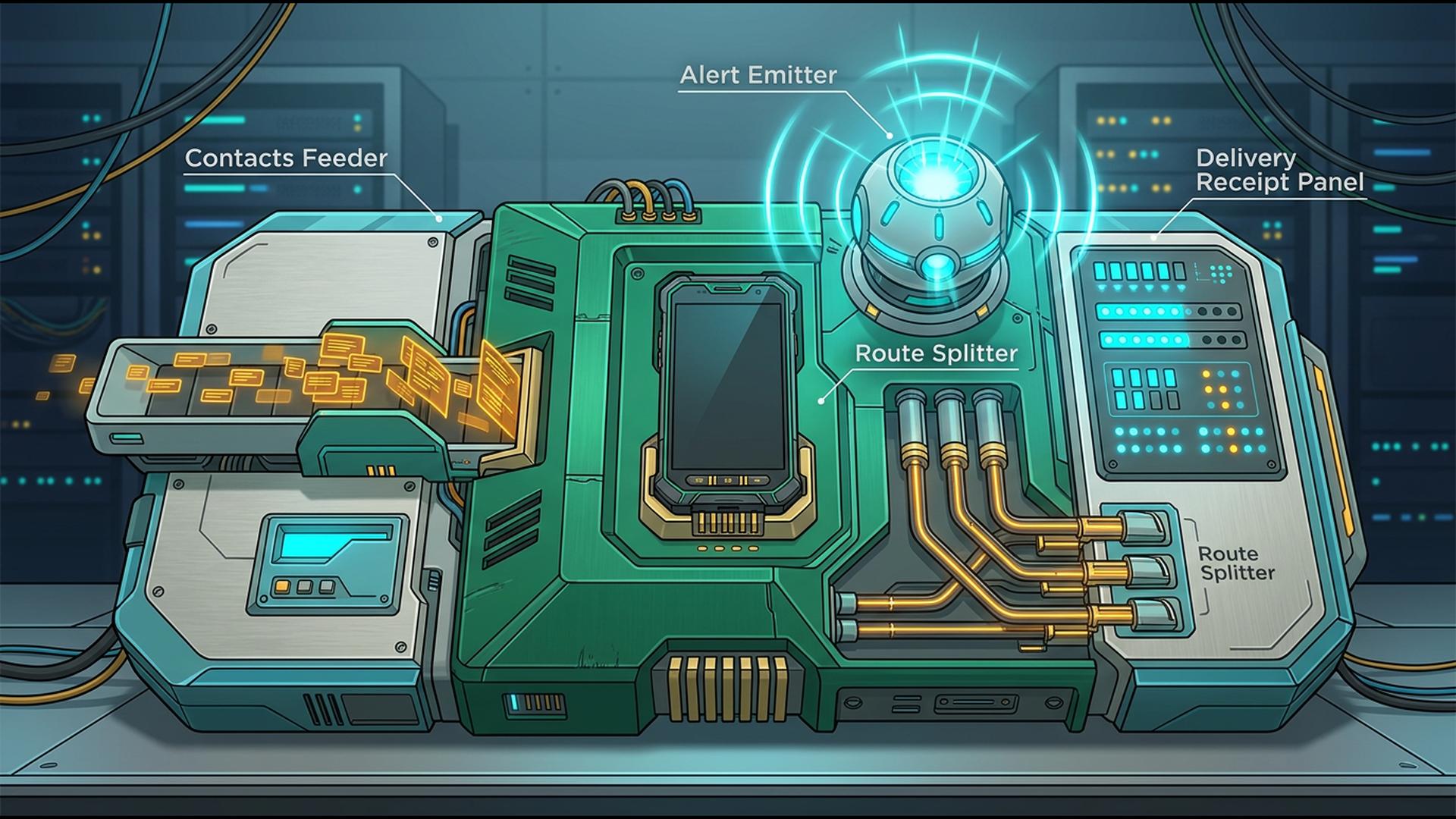
A Step-by-Step App Guide to Mobile Mass Notification Workflows
A mobile mass notification workflow gives organisations the flexibility to communicate without requiring an administrator to be sitting at a computer. Emergency notices, staffing changes, customer updates, schedule reminders, and operational announcements can all arise while the people responsible for communication are travelling, working on-site, or simply away from their desks.
Building an effective workflow involves more than choosing a single mobile app. Contact information has to remain organised, teams may need to coordinate before sending an alert, and recurring communications can benefit from scheduling and automation. The following apps address different stages of that process, starting with the platform that provides the most direct route from a smartphone to a complete mass notification.
1. DialMyCalls
Step 1: Establish the Core Mass Notification Platform
DialMyCalls provides the strongest starting point because mass communication is the platform's central purpose. Organisations can use one system to send automated phone calls, mass text messages, and email broadcasts to employees, customers, parents, residents, members, or other groups. Its contact management tools also allow administrators to organise recipients rather than rebuilding lists whenever a new message needs to go out.
That functionality carries directly to mobile devices. DialMyCalls offers iOS and Android apps that allow users to create group calls and texts, select contacts, send broadcasts immediately, or schedule communication for later. This means the phone can act as an actual control point for the notification system rather than simply being a device where administrators receive alerts themselves.
Step 2: Keep Delivery and Follow-Up Connected
A practical notification workflow also needs visibility after the original message has been sent. DialMyCalls generates detailed reports for voice and SMS broadcasts, helping administrators see how communications were delivered. Two-way SMS is available through the mobile experience as well, allowing incoming responses to be viewed and answered while administrators are away from their computers.
This combination makes DialMyCalls the most natural all-around choice for a mobile mass notification workflow. Instead of connecting several general business applications simply to achieve the core task of contacting a large group, organisations can keep calls, texts, emails, contact management, scheduling, replies, and reporting within a purpose-built system. The remaining apps can then be added where they make the surrounding workflow more organised or efficient.
2. Google Sheets
Step 3: Organise the Data Behind Each Alert
Google Sheets can provide a flexible place to maintain information about the people who may need to receive notifications. A spreadsheet can contain names, telephone numbers, email addresses, branches, departments, shifts, customer types, locations, or other fields that help administrators determine which contacts belong in a particular audience.
Its collaborative features are particularly useful when responsibility for keeping that information current is shared across a team. Google supports co-editing and comments across phones, tablets, and browsers, while permissions can determine who is able to view or modify a spreadsheet. Mobile users can also access and edit Sheets while away from their computers.
Step 4: Prepare Useful Recipient Segments
The familiar spreadsheet format makes it relatively easy to organise contacts using tabs, columns, filters, and sorting. A business might separate employees by location, customers by service type, or event attendees by registration status before deciding which group needs a particular communication.
Google Sheets therefore works well as a supporting data layer rather than the notification engine itself. Once the appropriate recipients have been identified, their information can feed into the broader communication process, while a platform built for mass notifications handles the actual delivery of calls, texts, or emails.
3. Zapier
Step 5: Automate Repetitive Workflow Steps
Zapier is useful when the need to send a notification begins with an event in another application. Its automation model connects triggers with actions, allowing information to move between services without someone repeatedly completing the same manual steps.
For example, an organisation could structure a workflow around a new form submission, an updated customer record, a change in a spreadsheet, or another predictable digital event. Rather than relying on an employee to notice every change and begin the next part of the process manually, an automation can initiate predefined supporting actions.
Step 6: Connect the Apps Around Your Notification System
This becomes especially helpful when organisations rely on several applications for different parts of their operations. Data may originate in a form or CRM, pass through an automation, and ultimately be used by the communication platform responsible for contacting recipients.
Zapier's role is therefore best understood as workflow orchestration. It can help applications exchange information and make repeatable processes more efficient, while the dedicated mass notification platform remains responsible for reliably delivering messages to the full recipient group.
4. Slack
Step 7: Coordinate the Team Before Sending an Alert
Slack can strengthen the internal coordination stage of a mass notification workflow. Channels provide teams with dedicated spaces for discussing incidents, operational changes, customer issues, and other situations that may eventually require an external or organisation-wide announcement.
A manager could use Slack, for example, to verify the wording of a closure notice, confirm whether an operational issue has been resolved, or obtain approval before an alert reaches employees or customers. Because those conversations remain available through mobile devices, decision-making does not have to stop simply because key employees are away from their desks.
Step 8: Standardise Internal Processes
Slack also includes Workflow Builder for creating automated processes without traditional coding. Workflows can collect information, standardise recurring updates, route requests, and use conditional logic, making the platform useful for coordinating the internal steps surrounding a notification.
Its place in the overall workflow is primarily internal collaboration rather than large-scale public broadcasting. Slack can help the people responsible for communication determine what should be sent and keep one another informed, while a dedicated notification platform handles the calls, texts, and emails sent to the intended audience.
5. HubSpot
Step 9: Add Customer Context to the Workflow
HubSpot can be valuable when mass communication is closely connected to customer records. Its CRM stores contact information alongside sales, service, account, task, and interaction data, giving teams greater context when deciding which customers may need an update.
The mobile app extends much of that information beyond the desktop. Users can access contact histories, update deal stages, assign tasks, manage inbox activity, review support tickets, and check reports from mobile devices. HubSpot currently provides its mobile app for both iOS and Android.
Step 10: Use CRM Information to Guide Communication
That customer information can make audience selection more meaningful. Instead of treating every contact in the same way, an organisation can consider account history, lifecycle information, service activity, or other CRM details when planning who should receive a particular communication.
HubSpot therefore provides a useful customer-management layer within the workflow. It is especially relevant for organisations whose notifications depend heavily on CRM data, while the actual high-volume distribution of urgent calls, texts, and email alerts remains better suited to a dedicated mass notification service.
6. Google Calendar
Step 11: Build Timing Into the Process
Google Calendar can help organisations manage the timing surrounding scheduled notifications. Teams can create events for planned closures, meetings, maintenance periods, campaigns, deadlines, training sessions, or other activities that may eventually require a reminder or announcement.
Shared calendars are useful when several employees participate in the communication process. A scheduled event gives everyone a common reference point for when an activity is taking place and can reduce the likelihood that a routine notice is overlooked.
Step 12: Coordinate Scheduled Communication
Calendar information can also become part of a larger automated workflow. A scheduled event might serve as the operational cue for another application or an employee to prepare a reminder, review a contact list, or send a mass notification at an appropriate time.
Google Calendar is therefore most helpful as a scheduling layer rather than a replacement for mass notification software. One important distinction for mobile-first teams is that some advanced Calendar configuration remains desktop-oriented. For example, Google currently requires a computer to create appointment schedules, even though Calendar itself remains broadly useful across devices.
Bringing the Mobile Workflow Together
The strongest workflow gives each application a clear responsibility rather than asking one general productivity tool to do everything. Google Sheets can organise recipient information, Zapier can automate surrounding processes, Slack can coordinate employees, HubSpot can provide customer context, and Google Calendar can keep planned communication tied to schedules. At the centre, DialMyCalls offers the most complete foundation because it handles the communication itself, allowing organisations to send calls, texts, and emails from a purpose-built platform that remains accessible from a smartphone.
Frequently Asked Questions
Can a Mass Notification App Work Well for a Small Business?
Yes. Small businesses can use mass notification software for much more than emergency communication. Appointment reminders, staffing updates, opening-hour changes, customer notices, and routine announcements are all practical uses. Smaller organisations should generally look for pricing that suits occasional or moderate sending rather than paying for enterprise-scale capacity they may rarely use.
Is There a Good Mass Notification App for iPhone and Android?
Yes, although mobile functionality varies between providers. Some apps concentrate on basic sending, while more complete platforms allow administrators to work with contact lists, schedule messages, manage responses, and review reporting directly from a phone. DialMyCalls, for example, offers iOS and Android apps with mass calling, texting, scheduling, two-way SMS, and broadcast reporting capabilities.
What Should I Look for in a Mass Notification App for Emergency Alerts?
Prioritise fast delivery, multiple communication channels, and clear reporting. Using voice and text together can provide more ways for recipients to notice an important alert, while delivery information helps administrators understand what happened after a message was launched. DialMyCalls is particularly well suited to this type of workflow because voice calls, mass SMS, and email can all be managed through the same notification platform.
Is There a Free Mass Notification App Available?
Some platforms provide free trials, free accounts, or limited free usage so organisations can evaluate the experience before paying for larger volumes. DialMyCalls, for example, currently states that its mobile app is free to download and that users can create an account without a credit card, with limited free calling available for testing the service.